

Accountants lose an average of 15+ minutes per invoice when relying on manual billing processes. That time compounds into significant revenue leakage across a busy practice. Combine that with typical payment delays of 35-55 days, and the impact on cash flow becomes a serious operational constraint.
However, firms that rely on modern invoicing software designed for accounting firms can dramatically compress these timelines and avoid revenue from slipping through the cracks. This may be why 94% of accountants report using cloud services, and cloud-based solutions accounted for 68% of total revenue share in 2025.
Shortlist: Top accounting invoicing solutions
Solution | Best for | Pros | Cons |
CPACharge | All firm sizes prioritizing fast payment collection | Accelerate cash flow; PCI DSS Level 1 compliant; QuickBooks/Xero integration; official partner of the AICPA | Doesn't handle practice management directly |
Ignition | Advisory-focused firms with recurring services | Streamlines proposal-to-payment lifecycle; strong recurring billing | Steeper learning curve; integrates with dedicated practice management platforms rather than replacing them entirely |
Karbon | Growing firms (5–50 staff) seeking unified workflows | Eliminates integration complexity; comprehensive reporting | Significant implementation timeline (4+ weeks standard; 8-12 weeks for more complex deployments) |
QuickBooks Online | Solo/small firms with general accounting needs | Little integration friction; competitive rates | Not purpose-built for accounting firms; separate add-ons required for payment and time-tracking tools |
FreshBooks | Solo practitioners prioritizing simplicity | Extremely intuitive; affordable entry point | Per-user pricing model limits scalability beyond 5-10 employees |
For accounting firms, effective invoicing software must do more than generate bills. It should capture billable time as it happens, using web timers, mobile apps, or desktop integrations, and manage that time as work-in-progress (WIP) until it's ready for client review. The best systems can apply role-based rates (partner, senior, staff), enforce minimum billing increments, and convert approved billable time into professional, client-ready invoices with embedded payment links. This end-to-end workflow is what separates accounting-specific solutions from generic invoicing tools.
Top 8 billing and invoicing software options for accounting firms
Selecting the right billing and invoicing software requires understanding how each platform fits your firm's size, service mix, and operational priorities. Below, we'll cover eight leading solutions with detailed feature breakdowns, pricing, and ideal use cases.
1. 8am™ CPACharge
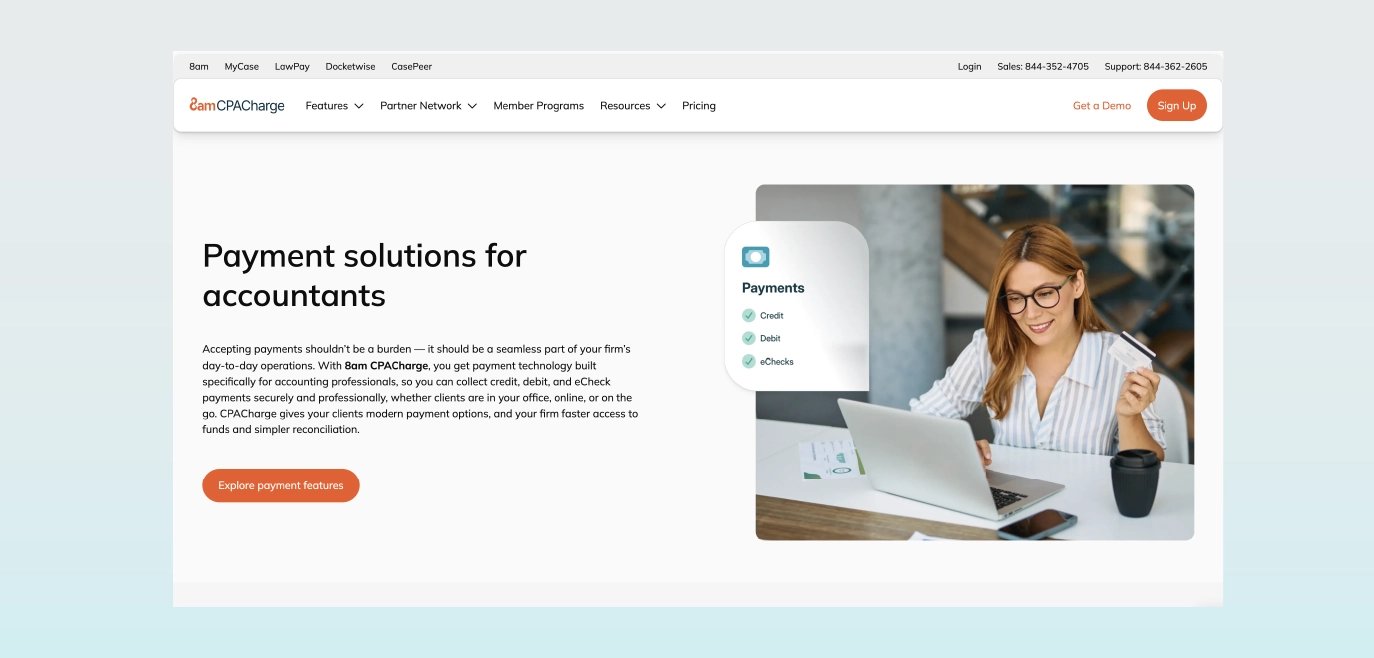
CPACharge is a payment and billing solution built specifically for accounting and CPA firms that need to get paid faster without overhauling their existing systems. It integrates with tools like QuickBooks and Xero to streamline invoicing, automate collections, and reduce payment delays. With features like Quick Bills, scheduled payments, and secure client payment storage, CPACharge is designed to accelerate cash flow, helping firms have faster payment cycles.
Best for: Firms prioritizing fast, secure payment collection without changing their existing practice management system
Pricing structure: Transaction-based with a month-delayed fee deduction, simplifying reconciliation
Pros:
Industry-leading payment speed
PCI DSS Level 1 compliant with secure payment storage
Seamless integration with existing accounting software
Automated payment reminders reduce manual follow-up
U.S.-based expert support available 365 days a year
Cons:
Doesn't handle practice management directly
2. Ignition
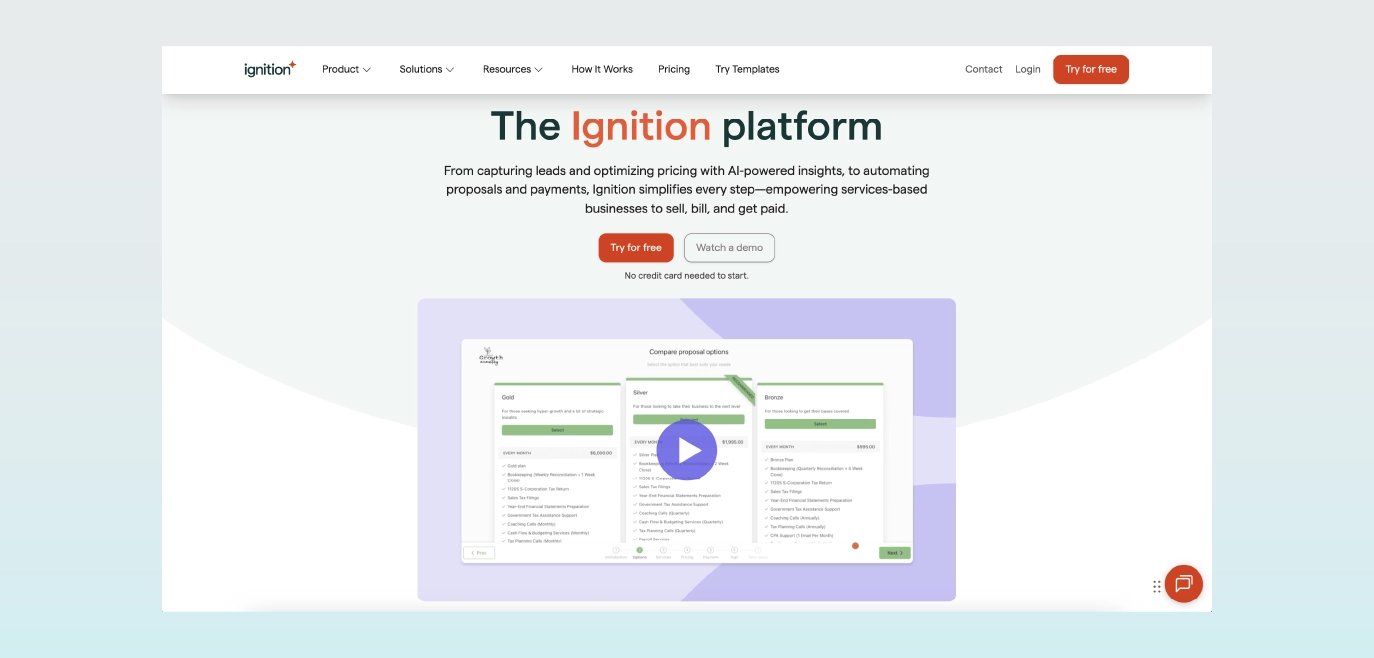
Ignition is a client engagement and billing platform that connects proposals, engagement letters, and invoicing into a single workflow. It’s designed for accounting firms that want to standardize how they sell and deliver recurring services, particularly advisory and retainer-based work. By combining proposal generation, e-signatures, and automated billing, Ignition helps firms reduce administrative overhead while creating more predictable revenue streams.
Best for: Advisory-focused firms selling recurring services and retainer packages.
Pricing structure: Ignition's entry-level Solo plan starts at $39 per month for one user. Pricing scales with team size and feature access, with the Core plan at $99 per month for three users and the Pro plan at $229 per month for up to 15 users.
Pros:
Streamlines the entire engagement lifecycle from proposal to payment
Strong recurring revenue management for advisory services
Client-facing portal improves engagement experience
Built-in payment processing with competitive rates
Cons:
Users should expect some setup time and occasional limitations in template flexibility.
Lacks the capabilities of a full accounting practice management tool; does not offer pay-later functionality on the payments side
3. Karbon
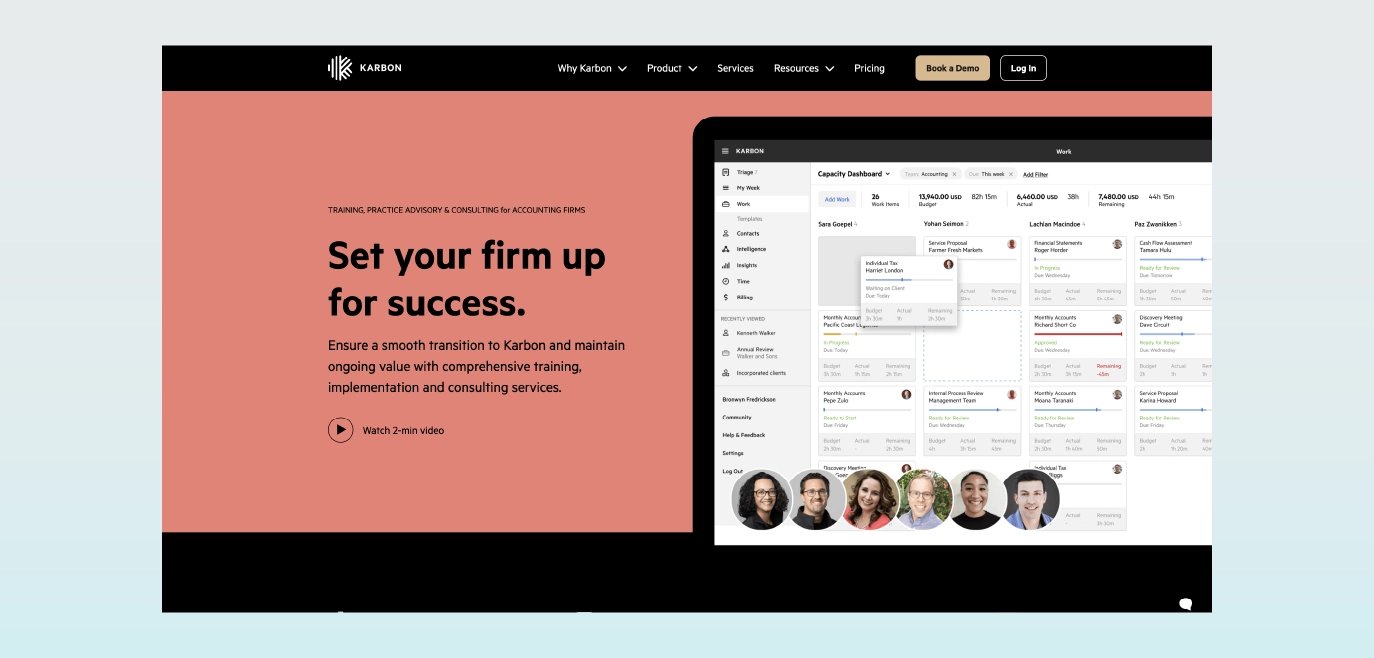
Karbon is a practice management platform built for accounting firms that want to manage their entire workflow, from client communication to billing, in one system. It combines task management, collaboration tools, time tracking, and invoicing into a unified platform, making it especially useful for growing firms that need visibility across teams and projects. By tying billing directly to work-in-progress, Karbon helps firms improve utilization, reduce missed billables, and maintain consistent processes as they scale.
Best for: Growing firms (5–50 staff) seeking a single system of record with strong workflow capabilities.
Pricing structure: Karbon offers Team ($59/user/month), Business ($79/user/month), and Enterprise (Custom pricing).
Pros:
Eliminates integration complexity with a unified platform
Captures billable time directly within the workflow context
Strong project management and team collaboration features
Scales well as the firm grows
Cons:
The platform's comprehensive nature means that even with import tools available, firms face a significant setup and configuration process. These limitations reflect Karbon's optimization for larger, established firms with dedicated resources.
Comparatively higher total cost of ownership, particularly for smaller firms
Requires significant practice workflow redesign and adaptation, particularly for firms without documented processes or dedicated implementation resources.
4. QuickBooks Online + QuickBooks Payments
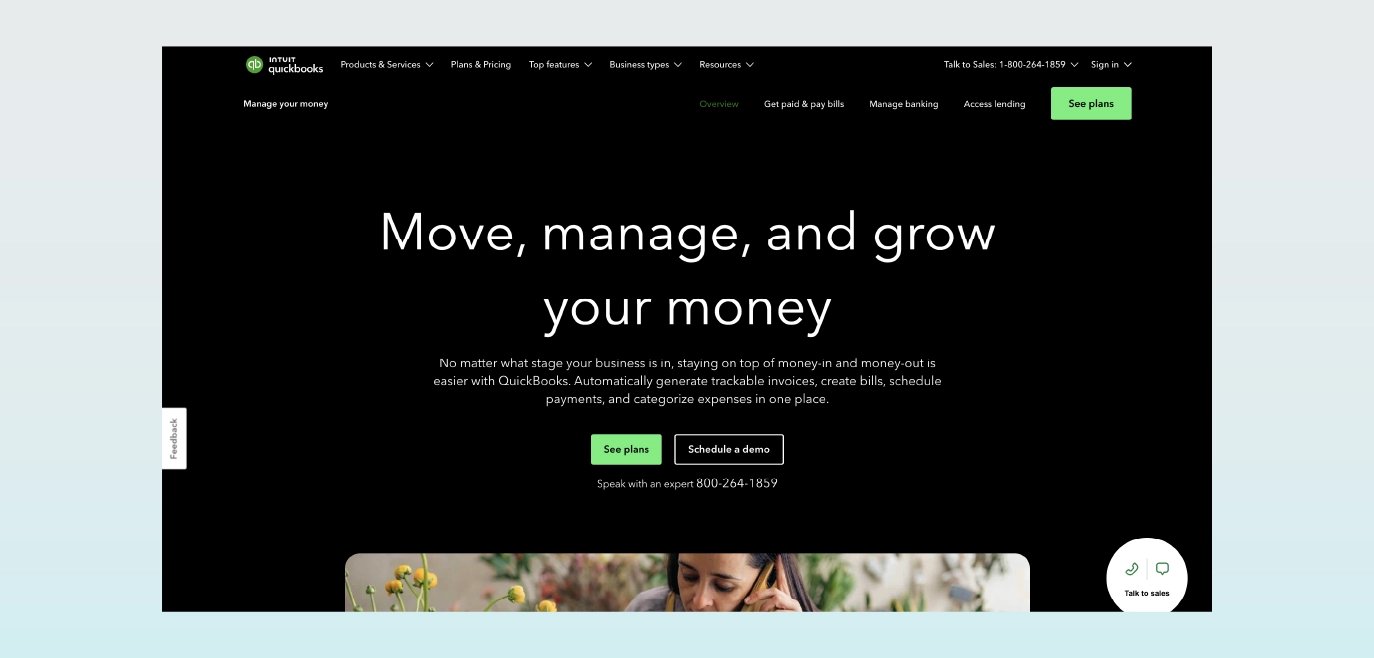
QuickBooks Online is a widely used accounting platform that supports invoicing, expense tracking, and financial reporting for a broad range of businesses. Firms can create and send invoices directly within the platform, while QuickBooks Payments functions as an optional add-on that enables clients to pay invoices online. For firms already using QuickBooks Online, adding Payments can provide a straightforward way to manage billing and collections within a familiar environment.
Best for: Solo practitioners and small firms with general accounting needs
Pricing structure: QuickBooks Online monthly subscription plus transaction fees for payment processing
Pros:
Low integration friction
Competitive payment processing rates
Strong mobile app for on-the-go invoicing
Cons:
General-purpose platform, not designed specifically for accounting firm workflows
Does not support staff utilization reporting, WIP dashboards, or workflow analytics
Payments and time-tracking tools are not included in the core QuickBooks Online platform
5. FreshBooks
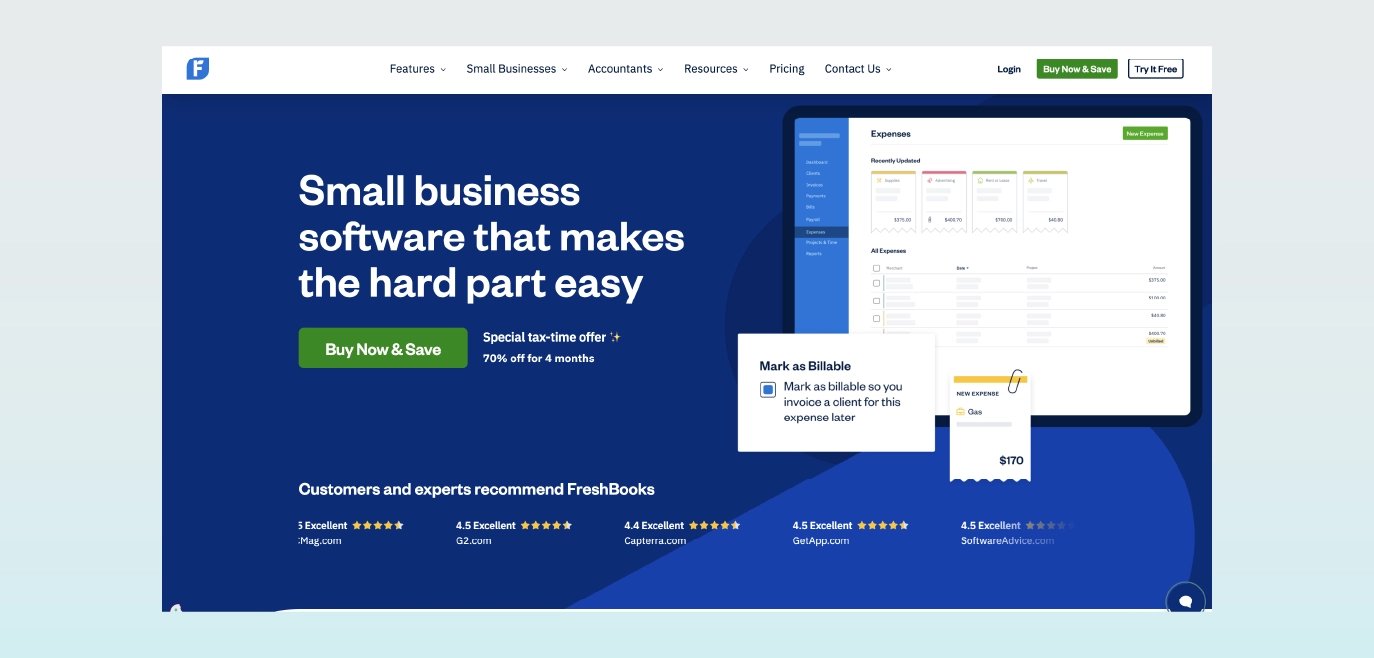
FreshBooks is an invoicing and time tracking platform designed for service-based businesses, including solo accountants and small firms. Known for its intuitive interface and fast setup, it allows users to track billable time, create professional invoices, and accept payments with minimal training. While it doesn’t offer the depth of a full practice management system, it’s a strong fit for firms prioritizing simplicity and ease of use.
Best for: Solo practitioners and micro firms prioritizing simplicity and ease of use.
Pricing structure: Tiered subscription based on billable clients (limited tiers such as 5, 50, or unlimited).
Pros:
Extremely intuitive interface with minimal training required
Affordable entry point for solo practitioners
Built-in time tracking captures billable hours easily
Professional invoice templates with customization options
Quick implementation (1–2 days typical)
Cons:
Per-user pricing model limits scalability beyond 5-10 employees
Limited workflow automation for complex billing scenarios
6. Sage Timeslips
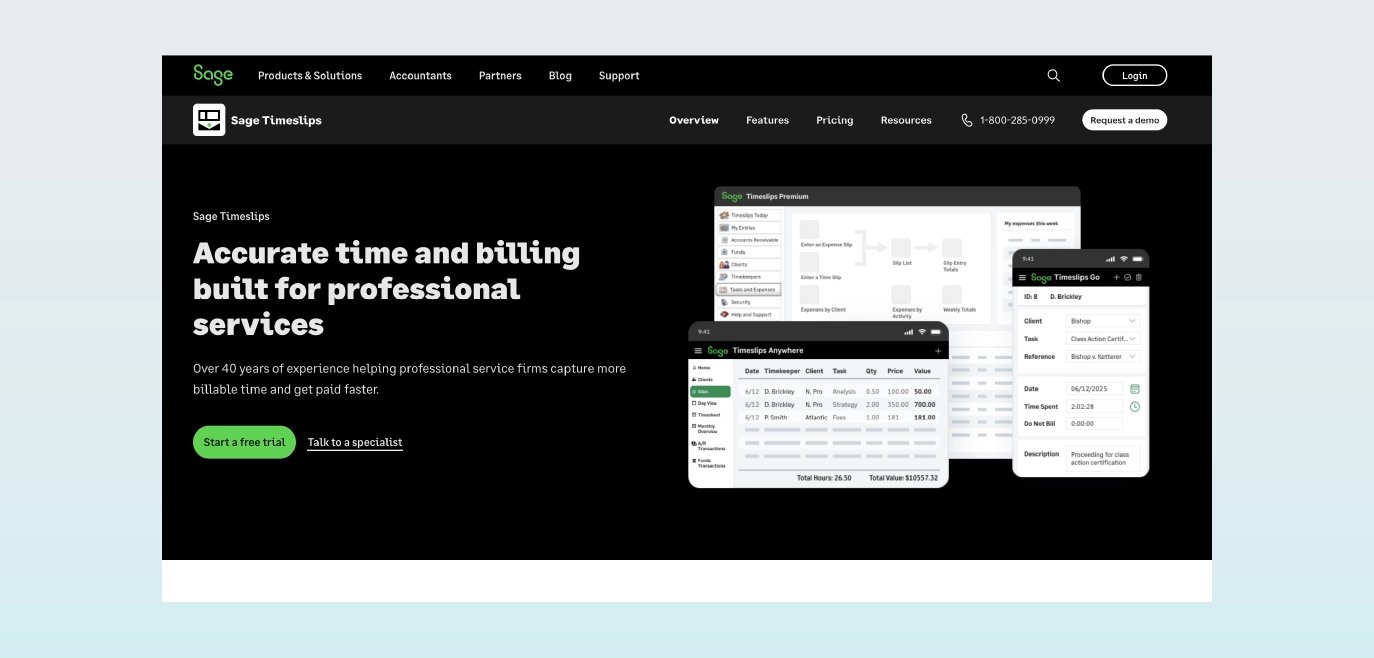
Sage Timeslips is a long-standing time and billing solution built for professional services firms that require detailed time tracking and highly customizable billing workflows. It’s particularly well-suited for firms with complex billing requirements, such as multiple billing rates, trust accounting, or detailed invoice formatting. While its interface is more traditional compared to newer cloud tools, it remains a reliable option for firms that prioritize precision and control in their billing processes.
Best for: Solo, small, and mid-sized firms that need powerful billing tools, in-depth reporting, and integrations with legal and accounting platforms.
Pricing structure: Sage Timeslips offers four pricing plans: Starter ($55.00/month), Standard ($103.00/month), Pro ($137.00/month), and Elite ($152.00/month).
Pros:
Industry-proven solution with 30+ years in professional services billing
Extremely detailed time tracking with multiple entry methods
Powerful customization options for invoice formatting and billing rules
Strong trust accounting features for client fund management
Cons:
The dated interface feels less modern than cloud-native competitors.
Steeper learning curve due to extensive feature set
No pay-later functionality for payments
7. Ramp
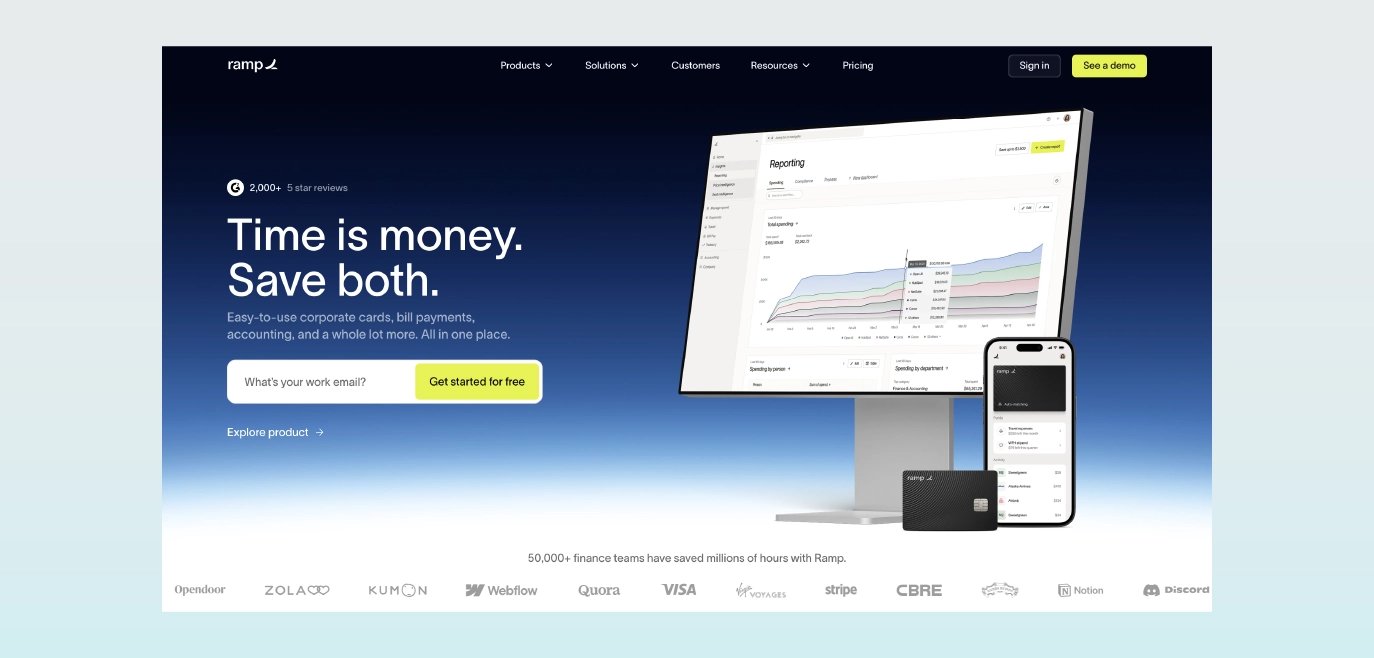
Ramp is a financial operations platform focused primarily on expense management, corporate cards, and accounts payable, with limited billing and invoicing capabilities. While not designed specifically for accounting firms, it can support firms looking to centralize spending and improve financial visibility across the business. Its invoicing functionality is secondary to its broader financial management tools, making it a better fit for firms prioritizing expense control over billing-specific workflows.
Best for: Mid-sized firms (10–100 staff) seeking expense management and integrated spend controls.
Pricing structure: Per-user monthly subscription with tiered feature sets; qualifying cashflow requirements may apply.
Pros:
Purpose-built for expense management
Supporting offerings for travel, banking, and accounts payable
Easy-to-use interface
Supports firms with strong cash flow: requires a minimum $25,000 account balance to qualify; higher liquidity may be required to qualify for better rates
Cons:
No time tracking functionality
Not specifically designed for the accounting industry
8. Bill4Time
Bill4Time is a cloud-based time tracking and billing solution designed for professional services firms that need a straightforward way to capture billable hours and generate invoices. It offers flexible time entry options, customizable invoices, and basic reporting, making it a practical choice for small to mid-sized firms that want a dedicated billing tool without the complexity of a full practice management system. Its ease of implementation and transparent pricing make it accessible for firms looking to improve billing efficiency quickly.
Best for: Small to mid-sized firms (1–25 staff) seeking an affordable, easy-to-implement time and billing solution without extensive practice management features.
Pricing structure: The most popular plan, Time & Billing, costs $29 per user per month. This includes time and expense tracking, payments, trust accounting, case management, detailed reporting, and more. Bill4Time also offers the Legal Pro and Enterprise plans for $49 and $69 per user per month.
Pros:
Simple, intuitive interface requires minimal training
Flexible time entry methods (mobile app, desktop timer, manual entry)
Transparent, affordable pricing with no hidden fees
Fast implementation (typically 1–2 weeks)
Cons:
Repetitive manual steps for populating clients, matters, tasks, and billing info
Limited flexibility for retainer workflows
What are the benefits of cloud-based invoicing software for accountants?
Cloud-based invoicing software transforms how accounting firms manage their billing operations, delivering measurable improvements in accuracy, efficiency, and cash flow. Here's what modern solutions bring to your practice.
1. Improved billing accuracy and time tracking
Accounting time and billing software eliminates the need to manage and switch between spreadsheets and Word documents, reducing the risk of billing errors.
Modern invoicing platforms automatically capture time using web and mobile timers that run in the background as you work. Pre-bill review workflows catch missing time entries before invoices go out, while role-based rate application ensures the correct billing rate is applied to the person who performed the work. Minimum billing increments standardize how time is recorded across your firm.
2. Better performance from automation
The best billing software for accountants automates invoicing administration tasks that often demand significant time, focus, and effort.
Accounting-specific automation features include:
Batch invoice generation for month-end billing cycles
Recurring invoice scheduling for retainer clients and fixed-fee engagements
Automated payment reminders with customizable cadences (3 days, 7 days, 14 days overdue)
Quick Bills for immediate payment collection
Collections automation deserves special attention. Modern platforms automate follow-up communications when payments are overdue, applying late fees where appropriate and prompting clients to set up autopay. For instance, CPACharge's automated reminder capabilities standardize follow-up across your entire firm, ensuring no invoice falls through the cracks, regardless of who originated the work.
3. Boosted cash flow and client satisfaction
Despite digitization, check payments persist in certain industries, but their days are numbered. According to the 2025 AFP Payments Fraud and Control Survey, checks remain the leading source of payment fraud, accounting for over 60% of incidents. Businesses are rapidly phasing them out in favor of secure electronic payments such as ACH and real-time payments.
Payment method flexibility matters for client satisfaction and your bottom line:
ACH vs. credit card acceptance: ACH typically costs less per transaction but takes 1–3 days to settle; credit cards cost more but provide immediate authorization.
Surcharging and convenience fees: Where permitted, passing card fees to clients can offset processing costs while maintaining payment flexibility.
Saved payment methods: For recurring clients, stored payment credentials eliminate friction and enable autopay.
Payment scheduling: Let clients schedule payments around their own cash flow while ensuring you get paid on time.
Billing software for accountants provides small and large accounting firms with business improvements, which include:
Maintaining business competitiveness with electronic payment expectations.
Increasing client satisfaction from credit, debit, and eCheck payment options.
Boosting accounts receivable payment flow from online payments.
CPACharge, for example, makes it easy to build an invoice and send a PDF copy to clients through the software. The solution also allows clients to easily pay bills online for a more convenient experience.
Essential features for accounting firm billing workflows
Accounting firms face billing complexities that generic invoicing tools simply can't handle. From multi-rate engagements to trust accounting requirements, your software must support the specific ways professional services firms operate.
Complex billing management
Accounting engagements rarely fit a single billing model. Your invoicing software must handle:
Multiple staff rates and role-based pricing: Partner time billed at $450/hour, senior staff at $225, and associates at $150—all on the same engagement.
Mixed engagement types: Tax returns (fixed-fee), hourly advisory work, value-based CFO services, and hybrid arrangements that combine elements of each.
Progress and milestone billing: For multi-month engagements like audits or complex tax planning, bill at defined milestones rather than waiting until completion.
Retainer management: Track drawdowns against prepaid retainers, alert clients when balances run low, and maintain trust accounting compliance.
Integrated payment processing
For accounting firms, invoicing doesn’t end when an invoice is sent; it continues until payment is collected and reconciled. That’s why integrated payment processing is a critical feature, not just an add-on. Your billing system should reduce friction at the point of payment and make it easy for clients to pay quickly, especially for high-value engagements.
Key capabilities to look for include:
Client fee funding options: Enable credit, debit, and eCheck (ACH) payments so clients can choose the method that works best for them.
Flexible payment experience: For services like tax planning or audits, offering multiple payment methods can significantly reduce collection delays.
Secure payment links: Allow clients to pay directly from invoices without logging into a separate system.
Stored payment methods: Save client payment details (where permitted) to simplify repeat billing.
Scheduled payments and autopay: Support retainers, installment plans, and recurring services.
Automated reminders: Standardize follow-up and reduce manual A/R work.
Just as important is how payments flow into your accounting system and how quickly you can access that revenue. Integrated payment processing should eliminate reconciliation headaches while improving cash flow predictability.
Look for solutions that provide:
Clean sync with QuickBooks/Xero: Automatically record payments, fees, and statuses without manual entry.
Accurate fee handling: Ensure processing fees are properly tracked and don’t create reporting issues.
Next-day funding: Access collected funds quickly to support payroll, expenses, and partner distributions.
End-to-end visibility: Track invoice status, payment progress, and cash flow in one place.
When payment processing is fully integrated into your billing workflow, firms can reduce days-to-pay, improve client experience, and eliminate the disconnect between invoicing and actual cash collection.
Security, compliance, and controls
Accounting firms handle sensitive financial data and, in some cases, client funds. Your invoicing software must meet rigorous security standards:
PCI DSS Level 1 compliance: The highest level of payment card security certification. CPACharge maintains this certification, meaning client payment data is protected by the same standards used by major financial institutions.
SOC 2 Type II attestation: Independent verification of security controls, availability, and confidentiality practices.
Ethical separation of funds: Clear distinction between client funds (trust/IOLTA accounts) and firm operating revenue.
Audit trails: Complete records of who created, modified, approved, and sent each invoice.
Role-based permissions: Staff can enter time but not approve invoices; managers can approve but not modify rates; partners have full access.
How do I choose the best invoicing software for my accounting firm?
Invoicing software should help boost accounts receivable, improve invoicing, and simplify reconciliation, so you can focus on client work. However, some software systems can complicate your billing and invoicing processes if they have steep learning curves, offer only some features (requiring the purchase of additional software), or aren't user-friendly.
Below are three tips to help you select an invoicing software system that delivers the greatest benefits for your firm.
1. Choose an invoicing solution tailored specifically for accountants and CPAs
With a wide range of invoicing software, it's tough to decide which works best. The first way to narrow your choice is to determine whether it's designed specifically for accountants and CPAs.
Evaluation criteria for CPA-specific solutions:
Engagement letter integration: Can you connect proposals and engagement letters to billing workflows?
Tax-season surge handling: Look for tools that save time per invoice during peak periods—small efficiencies add up fast.
Professional services invoice templates: Pre-built formats that match how accounting firms describe their work.
CPA-specific features comparison:
Feature | CPACharge | Ignition | Karbon | FreshBooks |
Accountant-focused | ✓ | ✓ | ✓ | ✗ |
Trust accounting | ✓ | ✗ | ✗ | ✗ |
Engagement letter integration | Via partners | ✓ | ✓ | ✗ |
Professional templates | ✓ | ✓ | ✓ | Gener |
2. Seek an all-in-one invoicing and payment system
Next, look for accountant invoicing software that provides the features you need under one roof. This will simplify your work by reducing the number of tech platforms you use, save time by avoiding the need to navigate multiple systems, and save money by consolidating all tools into one solution.
All-in-one vs. best-of-breed decision framework:
Factor | All-in-one | Best-of-breed |
Total cost of ownership | Higher upfront, lower ongoing | Lower upfront, integration costs ongoing |
Integration complexity | Minimal | Requires attention and maintenance |
Data portability | May be limited | Generally more flexible |
Feature depth | Broad but may lack specialization | Deep in specific areas |
Implementation time | Longer (4–8 weeks typical) | Shorter for individual tools |
Sample stack recipes:
Solo practitioner: QuickBooks Online + CPACharge (simple, affordable, fast payments)
Small firm (2–10): QuickBooks/Xero + CPACharge + Ignition (proposals + payments + accounting)
Growing firm (10–25): Karbon + CPACharge (unified workflow + fast payment collection)
ROI calculation example for a 5-person firm:
Time saved: 20 minutes per invoice × 200 invoices/month = 67 hours/month
At $150/hour average billing rate = $10,050/month in recovered capacity
Faster collections: Moving from a 45-day average to 24-hour payment
Cash flow improvement: $100,000 monthly billings × 44 days earlier = significant working capital benefit
Annual value: $120,000+ in time savings plus improved cash position
Some key questions to ask during your search for an all-in-one system include:
Are the features truly one package, or does the company charge extra for add-ons?
If the software is cloud-based, does the company lock you into a yearly contract?
Does the company provide the full package at one price, but then charge extra for more than one or two users?
With CPACharge, payment and billing features come in one package for a monthly fee, with unlimited users (and the ability to cancel at any time). Also, all the features, including invoicing, are provided at one price.
3. Select an invoicing platform with easy onboarding and dedicated customer support
Finally, choose an offering that provides full support with knowledgeable staff who understand your specific needs and pain points.
Implementation playbook:
Firm size | Typical timeline | Key milestones |
Solo | 1–2 weeks | Account setup, first invoice, payment test |
Small (2–10) | 2–3 weeks | Team training, template configuration, integration testing |
Mid-sized (10+) | 3–4 weeks | Workflow design, data migration, parallel run, go-live |
*Timelines assume either a new setup or transition from an existing invoicing system, depending on firm needs.
Data migration checklist:
Export client list with contact information and billing preferences
Document open A/R balances and aging
Capture WIP for in-progress engagements
Map rate structures and billing arrangements
Test invoice templates with sample data
Support evaluation criteria:
Peak season responsiveness (Can you reach someone during tax season crunch?)
Dedicated account management for implementation and ongoing questions
Industry-specific expertise (Do support staff understand accounting firm operations?)
SLA guarantees for response times and issue resolution
Accelerate your firm’s cash flow with CPACharge
Choosing the right billing and invoicing software comes down to three things: how well it supports the time to WIP to invoice workflow, how quickly it helps you get paid, and how cleanly it integrates with tools like QuickBooks or Xero. While all-in-one platforms offer broad functionality, many firms see faster results by adding a purpose-built payments layer to their existing stack, which ultimately improves cash flow without disrupting operations.
Start collecting payments faster with CPACharge—schedule your personalized demo or sign up today to see how accounting firms are cutting payment delays.
About the author

Mary Elizabeth Hammond is a Senior Content Strategist and Blog Specialist for 8am, a leading professional business solution. She covers emerging legal technology, financial wellness for law firms, the latest industry trends, and more.